
Spending money isn’t always necessary to get what you need—often it’s about perceived requirements. Many everyday essentials, conveniences, and small luxuries carry a price tag only if you don’t look for free or low-cost alternatives. Savvy people know the loopholes, swaps, and freebies that make life easier and cheaper. From household basics to digital tools, here’s a practical guide to items people commonly pay for when they could avoid the cost altogether.
Moving Boxes

Credit: Getty Images
Buying new boxes is unnecessary for most moves. Supermarkets, liquor stores, bookstores, and other retailers discard sturdy boxes daily—often sorted by size and free to take. Asking local shops or checking neighborhood groups for giveaways saves money and reduces waste.
Streaming Services

Credit: Canva
Paying full price for every streaming service adds up. Many people use free trials with different emails, share family plans, or take advantage of student discounts to reduce costs. Public libraries also provide free access to services like Kanopy and Hoopla, letting you stream films and shows without a subscription.
Workout Plans

Credit: Getty Images
Gyms and paid fitness apps are convenient, but far from the only route to health. YouTube offers complete workout videos—yoga, HIIT, strength training and more—at no cost. Add outdoor runs, park workouts, and bodyweight routines, and you can stay fit without a recurring fee.
PDF Readers
Credit: Getty Images
Paying for software just to view or make basic PDF edits is avoidable. Free options like Adobe’s basic reader and a variety of online editors handle most tasks. For more advanced needs, there are numerous free tools that let you split, merge, annotate, and convert PDFs without paying for a subscription.
Magazines and Newspapers

Credit: pixelshot
Instead of buying single issues, visit your library—physical or digital. Many branches provide access to digital subscriptions such as major newspapers and specialty magazines. Apps like Flipster and PressReader also let you read current publications free through library memberships.
Shipping Supplies
Credit: Canva
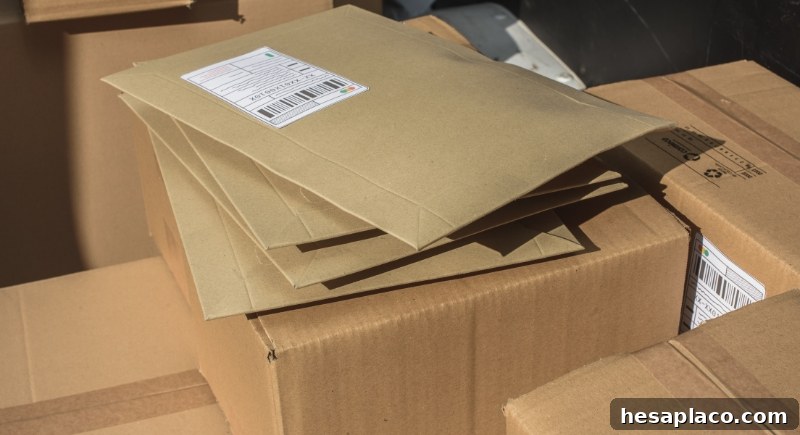
You don’t always have to buy boxes, tape, and labels. The USPS offers free flat-rate boxes delivered to your door, and some online marketplaces provide packaging and labels to sellers at no cost. Scouring local businesses or recycling boxes from shipments is another simple way to save.
Cloud Storage
Credit: Getty Images
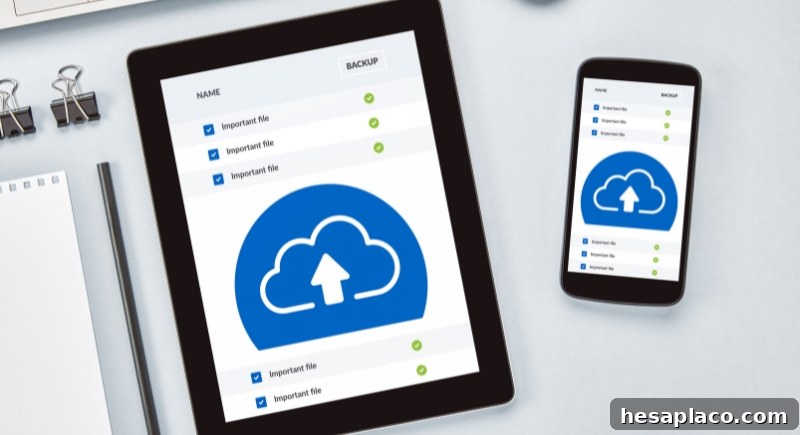
Rather than buying extra space from one provider, manage multiple free tiers across Google Drive, Dropbox, and OneDrive. By organizing files and rotating usage, you can back up essential content without a monthly fee. For long-term storage, external drives are also a one-time expense instead of recurring cloud subscriptions.
Budgeting Tools
Credit: Getty Images
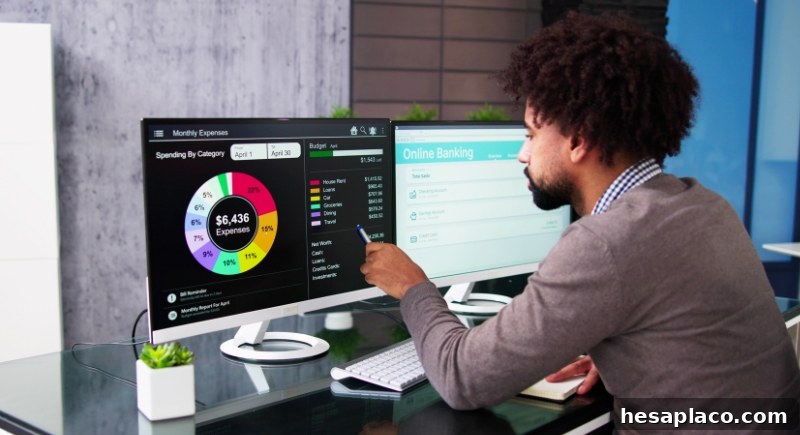
Paid finance apps are helpful, but free alternatives are strong. Mint and many banks’ integrated budgeting tools cover the basics, and spreadsheets provide customizable, private budgeting without app-based data sharing. Free trials of premium tools can also help you decide if a paid product is worth it.
Recipes

Credit: pexels
Cookbooks are great, but you don’t need to buy them to find quality recipes. Blogs, community forums, Reddit threads, and free recipe sites provide chef-tested dishes, dietary alternatives, and budget-friendly meal ideas. Even recipe apps and AI assistants can generate menus and shopping lists at no cost.
College Courses

Credit: Getty Images
Higher education can be expensive, but many reputable platforms offer free courses covering identical core concepts. Sites like edX, Coursera, and Khan Academy provide lectures and materials from top universities, often free to audit. These resources let curious learners build knowledge without a hefty tuition bill.
Basic Software

Credit: Canva
Word processors, spreadsheets, and photo editors don’t require expensive licenses. LibreOffice, Google Workspace, and free image editors like GIMP or Paint.NET offer robust features that suit most users. Choosing free alternatives keeps costs down without sacrificing capability.
Books

Credit: pexels
Rather than buying every title, borrow from public libraries or Little Free Libraries. Apps like Libby and Project Gutenberg grant access to thousands of ebooks and audiobooks at no charge. Borrowing supports reading without draining your budget.
TV Antennas

Credit: Getty Images
Cable subscriptions are expensive, but many local channels broadcast free over the air. A modest indoor or rooftop antenna can pick up news, network shows, sports, and classic programming in high definition—often enough for households that mainly watch network content.
Maps and Navigation

Credit: Canva
GPS devices used to be essential purchases, but free navigation apps have made them obsolete for most users. Google Maps, Waze, and Apple Maps are updated in real time and include traffic alerts, alternate routes, and offline maps—covering nearly every navigation need without added cost.
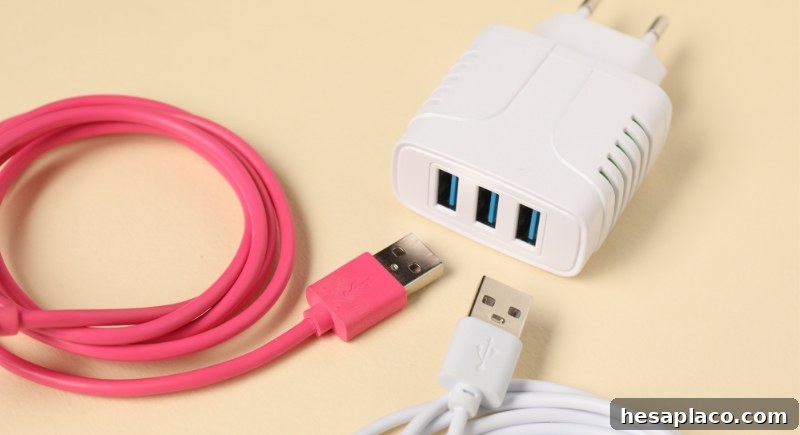
Phone Charging Cables and Adapters
Credit: Canva
Charging accessories are often handed out at tech events, stores, or promotional booths, and airports or hotels sometimes have extras available. Asking politely or checking lost-and-found kiosks can save you from paying high kiosk prices in a pinch.
Language Learning Tools

Credit: Getty Images
Free language apps like Duolingo and Memrise provide solid foundations, while libraries often offer access to platforms such as Rosetta Stone. Many learners progress far using these free options and community resources, avoiding costly subscriptions.
Photo Storage and Editing

Credit: Getty Images
Google Photos and other free services offer ample storage and basic editing, while apps like Snapseed, Canva, and Pixlr provide advanced editing tools without subscriptions. Combining free cloud storage with free editors handles most personal and small-business photo needs.
Tech Support

Credit: Getty Images
Before paying for professional help, check online communities and DIY guides. Forums, Reddit, YouTube tutorials, and sites like iFixit or Stack Overflow provide step-by-step solutions for many software and hardware issues—often saving both time and money.
Stock Photos and Music

Credit: pexels
Rather than paying for every image or soundtrack, creators can use high-quality free libraries for photos and royalty-free music. Many sites provide content suitable for social media, podcasts, and small projects without licensing fees—just check each platform’s usage rules.
Water

Credit: Canva
Bottled water is convenient but costly over time. In many places tap water is safe, and refill stations are increasingly common. Using a reusable bottle is an easy change that lowers expenses and reduces single-use plastic waste.
Professional Skill Certifications

Credit: Getty Images
While some professional certifications cost money, many organizations and learning platforms offer free courses that include certificates—especially during promotions or through partnerships. Keeping an eye on such offers can let you gain credentials and skills without incurring large expenses.
Being resourceful and informed can significantly reduce everyday expenses. With a mix of library resources, free online tools, community sharing, and a little creativity, you can eliminate many recurring costs while still enjoying convenience and quality.